In development
NanoKVM Control Suite
Phone-first KVM controls and a Windows companion.
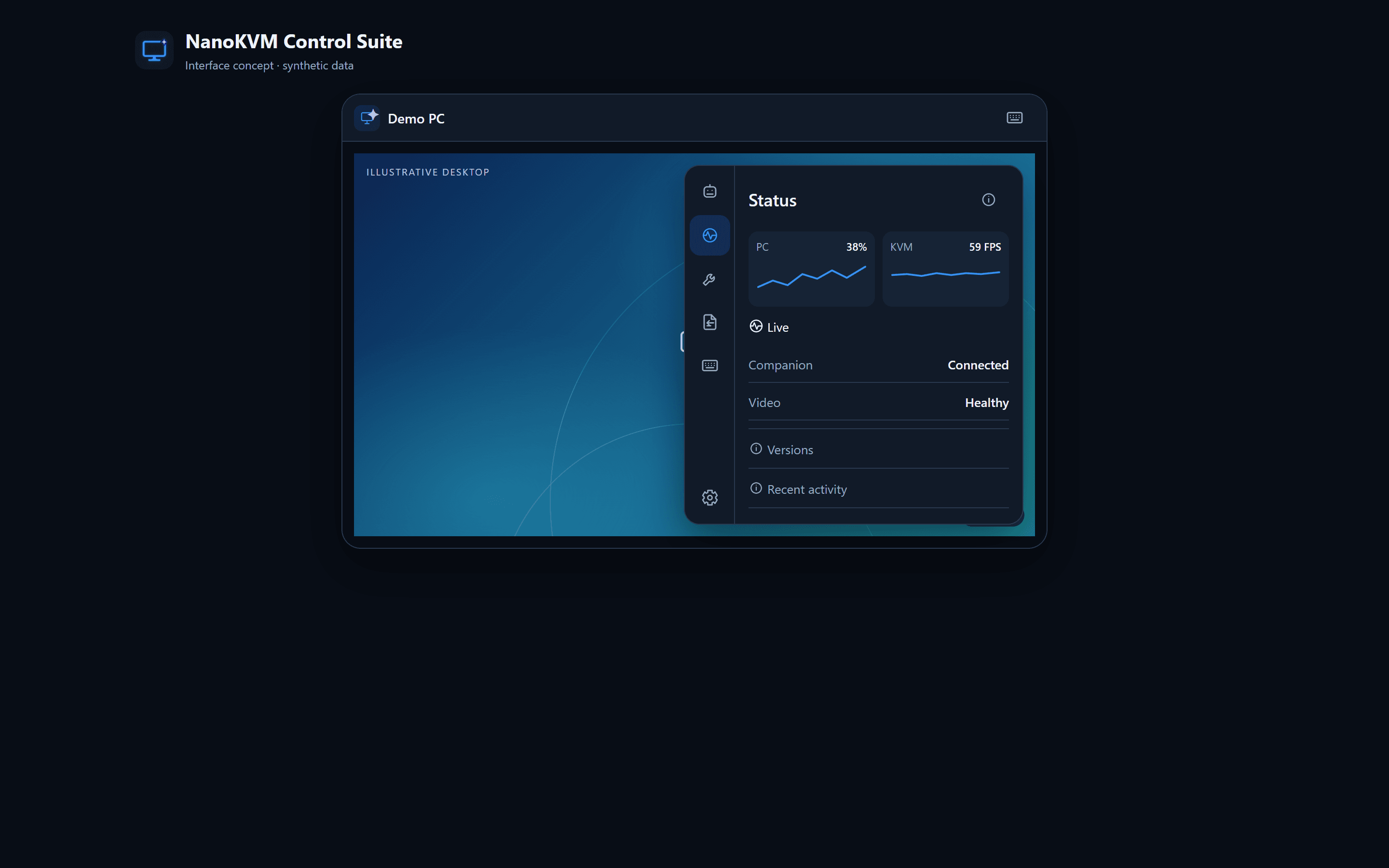
Interface concept with synthetic data—not a screenshot of the deployed hardware. Private device screens and connection details are intentionally omitted.
The problem
Remote desktop appliances can expose dense technical controls that are difficult to use quickly from a phone or a desktop.
The approach
I built a mobile control interface, Python services, and a paired C# Windows Companion for health reporting, file exchange, text clipboard sharing, recovery controls, and verified updates. The suite extends the vendor video and hardware-control components rather than replacing the underlying KVM firmware.
The outcome
The private-device suite has packaged Companion releases and documented deployment, rollback, and verification procedures. Hardware and mobile compatibility remain under active development.
What I would do next
Refine resolution-aware video cropping, validate transfers on real devices, improve iPhone microphone reception, and integrate the experimental control assistant.